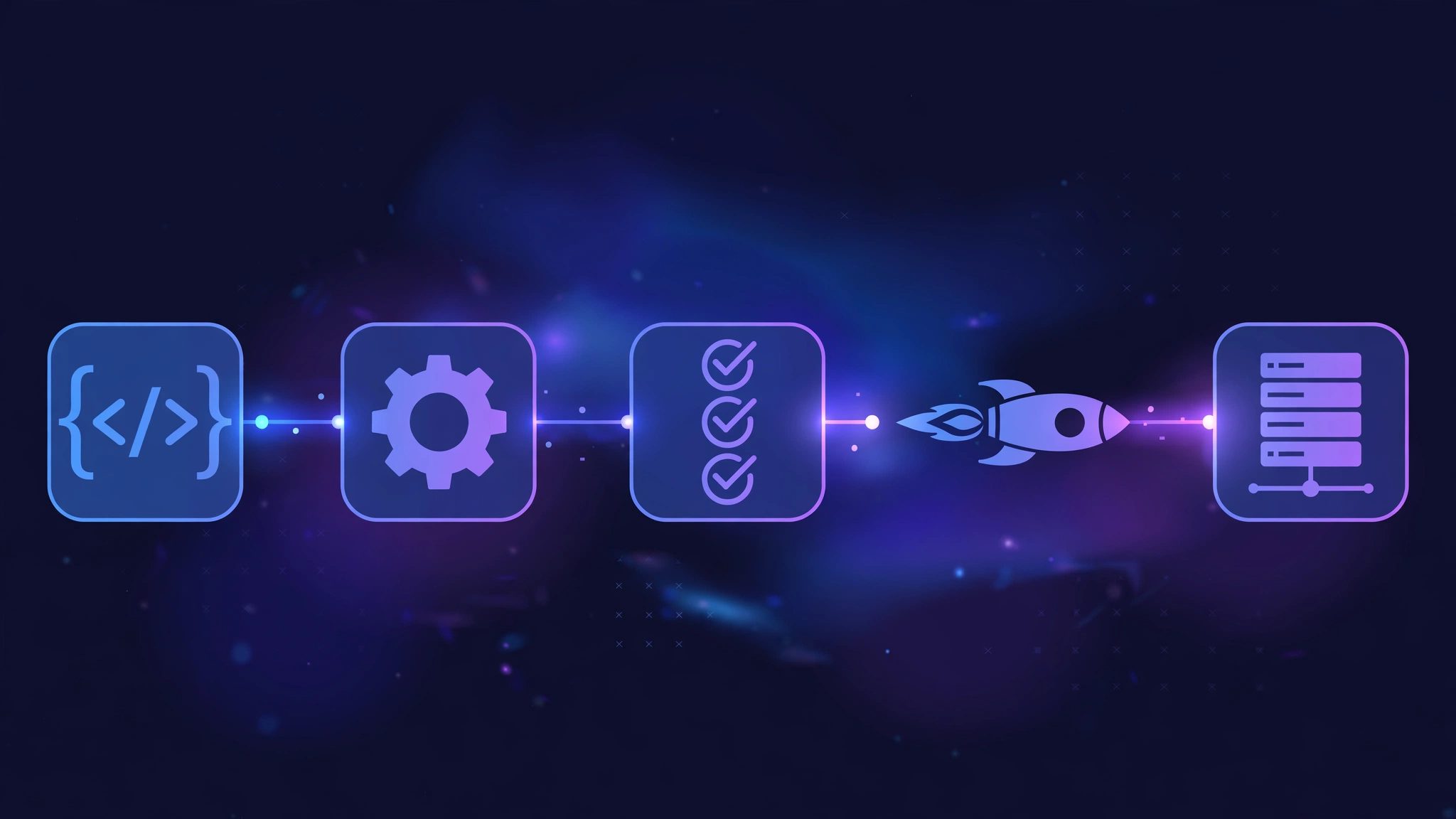
Kubernetes is an open-source platform that automates deploying, scaling, and managing containerised applications. Instead of you manually starting containers, watching them crash, and restarting them by hand, Kubernetes keeps your application running in the state you asked for — automatically, around the clock.
If you run more than a couple of containers in production, Kubernetes is the tool most teams reach for. This guide explains what it is, how it works under the hood, and when it is (and is not) the right choice.
What Is Kubernetes, in Plain English?
Kubernetes, often shortened to K8s (the "8" stands for the eight letters between the K and the s), is a container orchestration system. "Orchestration" is the key word: it conducts many containers the way a conductor leads an orchestra, making sure every part starts on time, stays in tune, and is replaced quickly if something goes wrong.
It was originally built by Google, based on its internal Borg system, and donated to the Cloud Native Computing Foundation (CNCF) in 2015. Today it is the de facto standard for running containers at scale, supported by every major cloud provider.
Here is the mental model that matters most: you describe the desired state, and Kubernetes makes it so. You tell it "run three copies of my web app, expose it on port 80, and give each copy 512 MB of memory." Kubernetes then starts the containers, watches them, restarts any that crash, and adds or removes copies as traffic changes. You stop babysitting servers; you declare intent, and the system enforces it.
How Kubernetes Works
The whole system runs on a simple loop, called the reconciliation loop:
- You declare the desired state. You write a YAML manifest describing what should exist: which container image, how many copies, which ports, which environment variables. You apply it with
kubectl apply. - The API server accepts it. The Kubernetes API server is the front door of the cluster. Every request, from you or from internal components, goes through it, and it validates and stores the request.
- The desired state is stored in etcd. etcd is a distributed key-value store that holds the cluster's single source of truth — every object, every setting, every status.
- The scheduler places the work. The scheduler looks at your request and picks the best node (server) to run each container on, based on available CPU, memory, and constraints you set.
- Controllers enforce the state. Controller processes constantly compare the current state with the desired state. If a container dies, a controller notices the gap and starts a replacement. If you asked for three copies and only two are running, it creates the third.
- The loop never stops. This compare-and-fix cycle runs continuously. That is why Kubernetes is self-healing: it does not wait for a human to notice a problem.
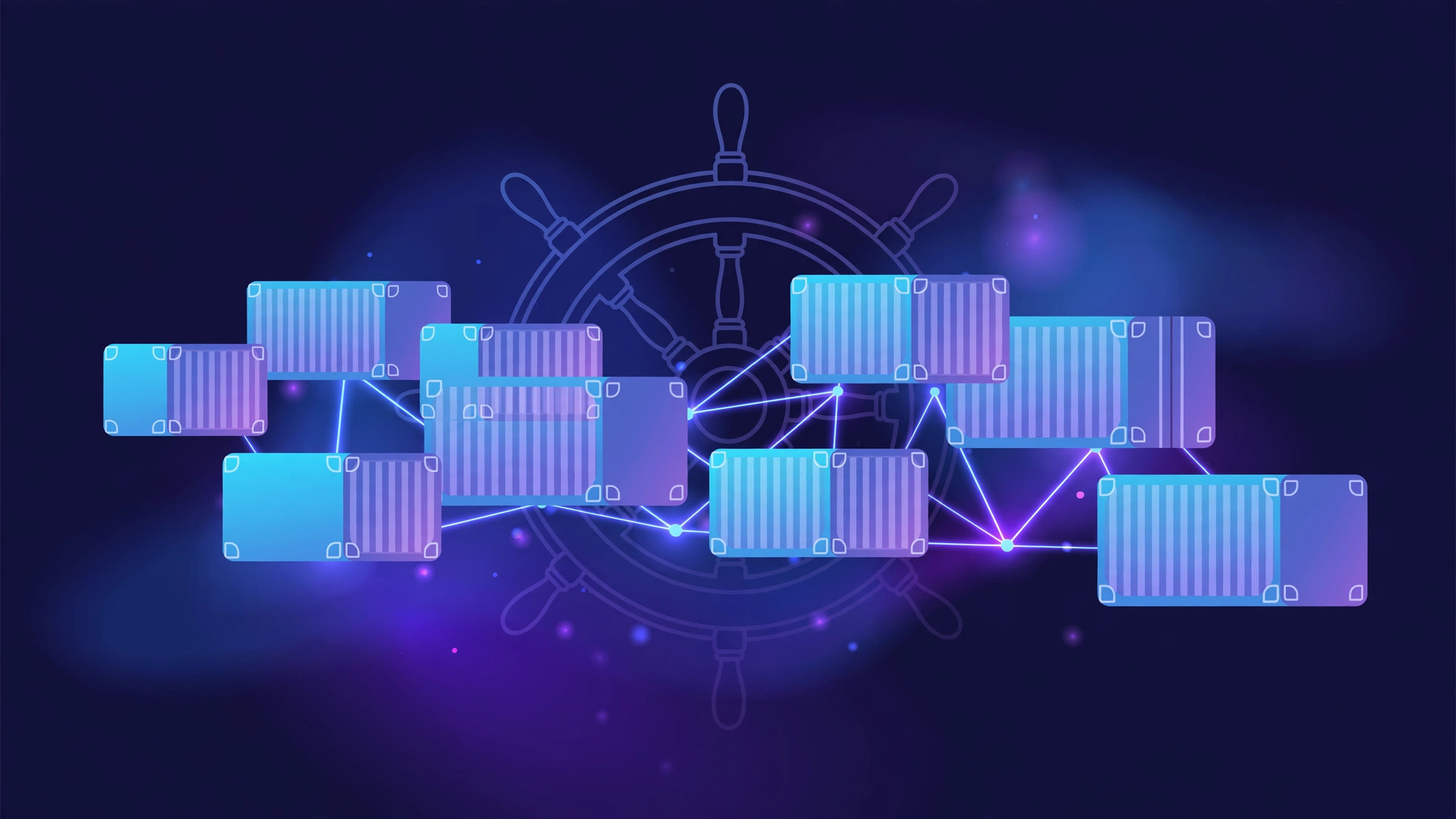
A useful analogy is a shipping port. Containers are the shipping containers, nodes are the docks, the scheduler is the harbour master deciding where each ship berths, and the controllers are the port staff who keep everything moving when a crane breaks down. You, the customer, just say what cargo should be where — the port handles the rest.
The Key Components
A Kubernetes cluster has two halves: the control plane, which makes decisions, and the worker nodes, which run your applications.
Control plane
- kube-apiserver: the front door. All communication passes through it, and it is the only component that talks directly to etcd.
- etcd: the cluster's database. It stores every object and its state. Lose etcd and you lose the cluster, so production setups run it replicated across three or more machines.
- kube-scheduler: assigns new Pods to nodes based on resources, affinity rules, and constraints.
- kube-controller-manager: runs the controllers that drive the reconciliation loop — the Deployment controller, the Node controller, the Job controller, and more.
- cloud-controller-manager: talks to your cloud provider to provision load balancers, storage volumes, and node information.
Worker nodes
- kubelet: the agent on every node. It talks to the API server, starts and stops containers as instructed, and reports the node's health.
- kube-proxy: manages networking rules on the node so that Services can route traffic to the right Pods.
- Container runtime: the software that actually runs containers — usually containerd or CRI-O in modern clusters.
Objects You Will Meet Every Day
Everything in Kubernetes is an object — a record in etcd that you create with YAML. The important ones:
- Pod: the smallest deployable unit. A Pod is one or more containers that share a network address and storage. Most Pods run a single container; you rarely create Pods directly.
- Deployment: manages a set of identical Pods. It handles rolling updates, rollbacks, and scaling. This is what you use for stateless apps like web servers and APIs.
- ReplicaSet: the mechanism a Deployment uses to guarantee the right number of Pod copies is always running. You almost never manage one directly.
- Service: a stable network endpoint in front of a set of Pods. Pods come and go, but the Service's address stays the same. Types include ClusterIP (internal only), NodePort, and LoadBalancer (cloud-provided external IP).
- Ingress: routes external HTTP traffic to the right Service based on hostnames and paths, and usually terminates TLS.
- ConfigMap and Secret: hold configuration and sensitive data separately from your container image, so the same image can run in dev, staging, and production.
- StatefulSet: like a Deployment, but for stateful apps that need stable identities and persistent storage — databases, for example.
- DaemonSet: runs exactly one Pod on every node. Used for log collectors, monitoring agents, and storage drivers.
- Job and CronJob: run a task to completion once, or on a schedule — backups, batch processing, report generation.
- Namespace: a virtual cluster inside a cluster, used to isolate teams, environments, or projects.
Benefits of Kubernetes
- Self-healing: crashed containers are restarted automatically, failed nodes are drained, and unhealthy Pods are replaced without human intervention.
- Easy scaling: scale a Deployment from 2 to 20 replicas with one command, or let the Horizontal Pod Autoscaler do it based on CPU or custom metrics.
- Zero-downtime updates: rolling updates replace Pods gradually, so users never see downtime during a deploy. If a new version misbehaves, roll back with one command.
- Service discovery and load balancing: containers find each other by Service name, and traffic is spread across healthy Pods automatically.
- Portability: the same manifests run on your laptop (minikube or kind), on a VPS, or on any cloud's managed Kubernetes — the API is the same everywhere.
- Storage and secrets management: volumes, ConfigMaps, and Secrets are first-class concepts, so apps do not need to reinvent them.
Real-World Use Cases
- Microservices: dozens or hundreds of small services, each with its own Deployment, scaling independently and updating on its own schedule.
- CI/CD pipelines: build and test jobs run as ephemeral Pods, and new code ships as a rolling update of a Deployment.
- Batch and scheduled jobs: data processing, nightly reports, and backups run as Jobs or CronJobs that start, finish, and clean up by themselves.
- Hybrid and multi-cloud: the same workloads run in two clouds or across cloud and on-premises, with one consistent API.
- Machine learning: training jobs and model-serving endpoints scale up on GPU nodes and down when idle.
Kubernetes vs Docker: Clearing Up the Confusion
This is the most common point of confusion, so here it is plainly: Kubernetes and Docker are not competitors. Docker (or more precisely, a container runtime like containerd) runs a single container on a single machine. Kubernetes orchestrates many containers across many machines. They work together — Kubernetes needs a container runtime underneath, and Docker images are what Kubernetes runs.
The real comparison is Kubernetes vs other orchestrators. The main alternative people consider is Docker Swarm: it is simpler to set up and easier to learn, but it has a smaller ecosystem, fewer features for complex networking and storage, and far less community momentum. Swarm suits a small, simple setup; Kubernetes suits anything that needs to grow.
Managed Kubernetes (Google GKE, Amazon EKS, Azure AKS) removes most of the operational burden of the control plane, leaving you to manage your workloads. For many teams, that is the practical middle ground between self-hosting and going without orchestration.
Common Misconceptions
- "Kubernetes replaces Docker." No — it runs containers, and Docker images are still the standard packaging format. It replaces the manual work of running those containers, not the containers themselves.
- "Every app needs Kubernetes." No. A single small website or a two-container app is usually simpler and cheaper on a VPS with Docker Compose. Kubernetes earns its keep when you have many services, need high availability, or scale up and down often.
- "Kubernetes is a PaaS." Not out of the box. It gives you the building blocks (scheduling, networking, storage) but not the developer experience of a platform like Heroku. Teams usually build a platform on top of it.
- "Kubernetes fixes bad applications." It restarts crashed containers and routes around failures, but it cannot fix a memory leak, a slow database query, or a bug in your code. Observability — logs, metrics, and traces — is still your job.
- "Kubernetes is automatically secure." Defaults are permissive: Pods can often talk to each other freely and the API server trusts whoever holds valid credentials. Network policies, RBAC, and image scanning are things you must configure deliberately.
Do You Actually Need Kubernetes?
Ask three questions. Do you run several services that must scale independently? Do you need high availability, where a single server failure must not take you down? Do you deploy often and want zero-downtime releases? If the answer to two or more is yes, Kubernetes is worth learning. If you have one app on one server, Docker Compose will serve you better for far less effort.
Try It Yourself in 10 Minutes
The fastest way to understand Kubernetes is to run a tiny cluster on your own machine with minikube:
minikube start
kubectl get nodes
kubectl create deployment hello --image=nginx
kubectl expose deployment hello --type=NodePort --port=80
kubectl get pods
minikube service hello
These commands start a local cluster, confirm the node is ready, deploy the Nginx image, expose it, list the running Pod, and open it in your browser. From there, try kubectl scale deployment hello --replicas=3 and watch the extra Pods appear — that is orchestration in action.
Conclusion
Kubernetes is the industry-standard way to run containers at scale: you declare the desired state of your application, and the control plane continuously works to keep reality matching it. It brings self-healing, scaling, and zero-downtime deploys — but it also brings real complexity, so adopt it when your architecture actually needs it, not before.
Need help deciding whether Kubernetes fits your infrastructure, or migrating your services to a managed cluster? XpertBees sets up and manages production Kubernetes clusters on any cloud or VPS — reach out and we will plan it with you.